Watchify is a Shopify app that helps you track every sale back to the exact ad—across platforms—even in cookieless browsers.
To install Watchify on your Shopify store, please follow the steps below:
- Log in to your Shopify store
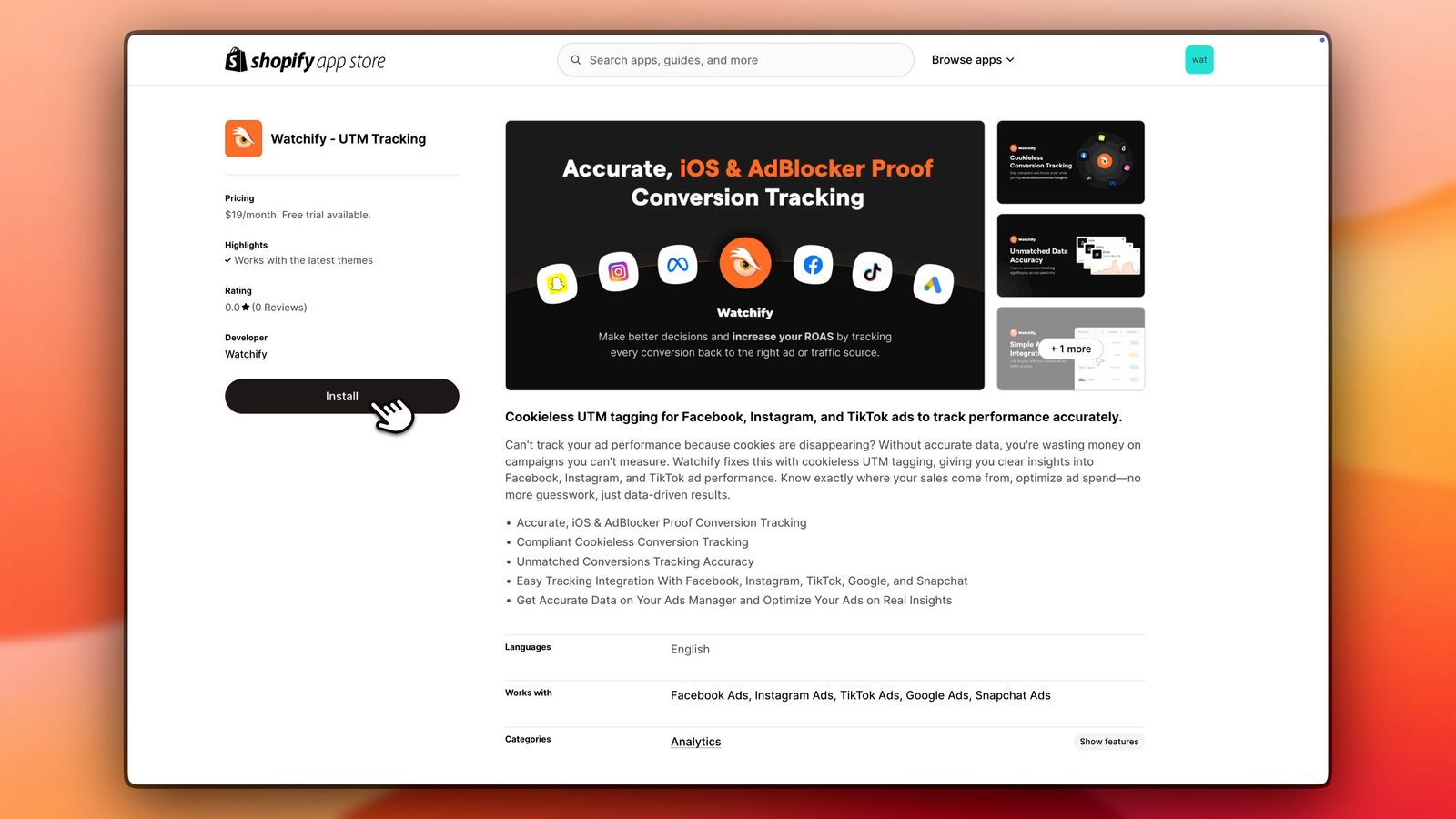
- In a new tab, go to https://apps.shopify.com to install the Watchify app
- In the search bar, type "Watchify”
- Click on "Watchify ‑ UTM Tracking”
- Click on Install
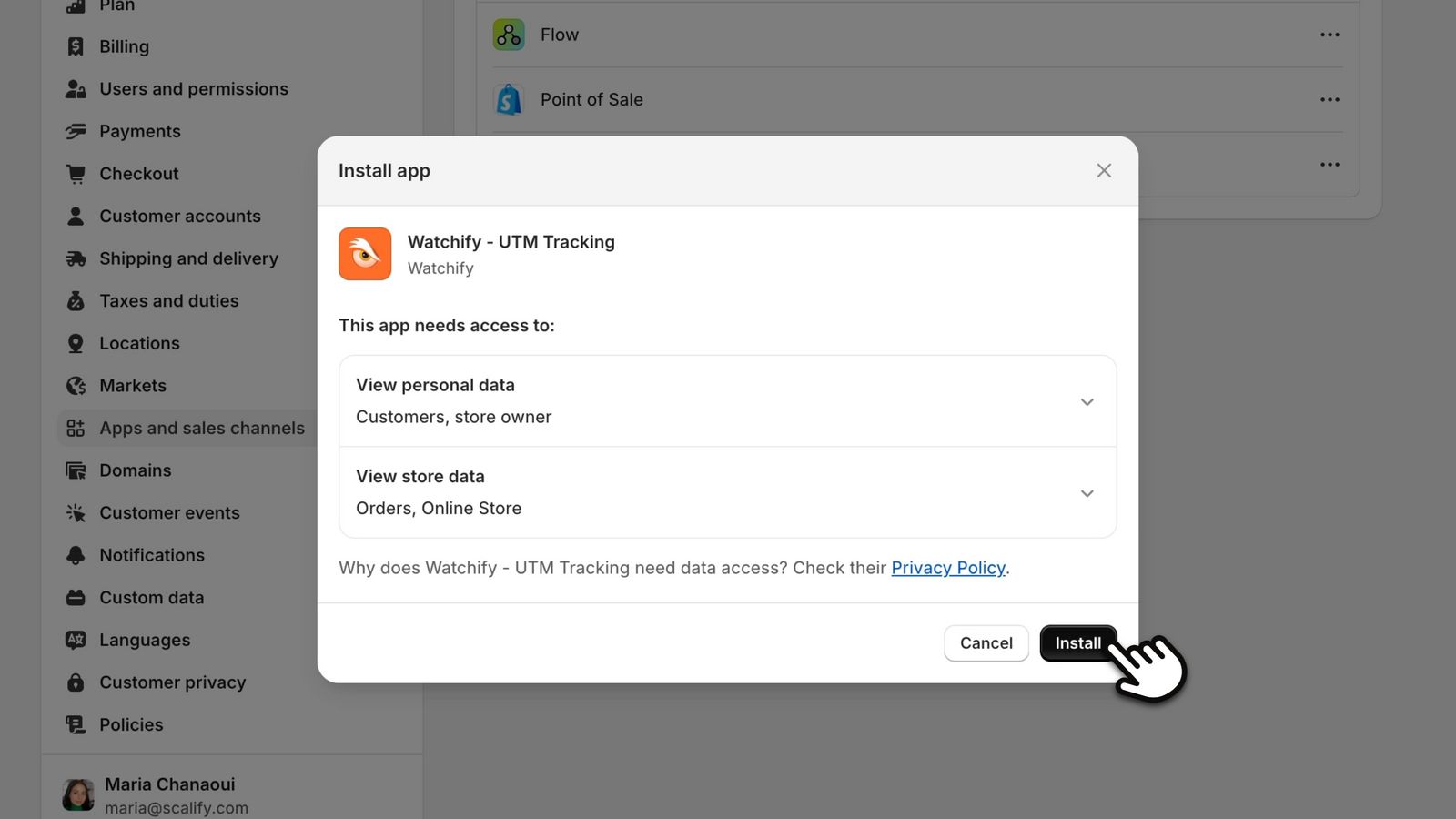
- Click on Install again on the pop-up that appears to complete the watchify integration with Shopify
- Then click Approve to approve the charge and activate your free trial.
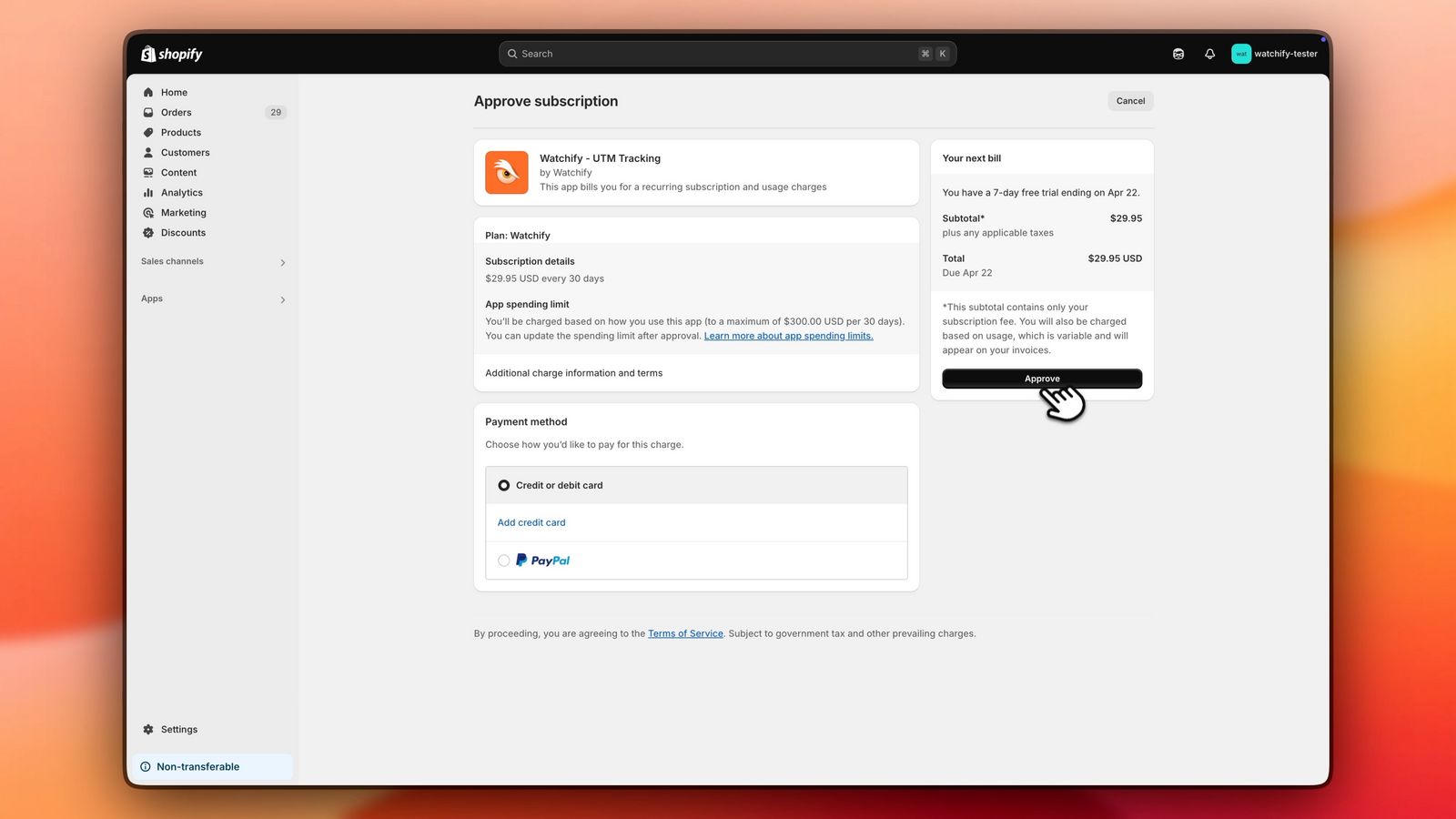
| Note: During the free trial period, you will not get charged for the app subscription by Watchify. The charge will activate after the free trial period is completed.
After installing the Watchify app on your Shopify store, the next step is to set up tracking for your ads.